WordPress settings affect how the whole website behaves. Some are ordinary business details; others control addresses and publishing behaviour that can affect access or links. This guide explains what to review after handover and how to distinguish a routine update from a change that needs a plan.
Start with an agreed baseline Open your handover notes and identify the approved website title, timezone, homepage, blog page and administrative contact address. Record the current value before changing a setting. Make one deliberate change at a time, save it and verify the result. A screenshot for internal reference can help, but do not share settings containing secrets or private addresses publicly.
You may not see Settings if your role is intended for content editing. Ask for the specific change you need rather than requesting unrestricted access simply to make the menu appear.
Review General settings Under Settings → General, the site title and tagline describe the website. Their visible use depends on the theme and SEO configuration. Updating these fields does not necessarily replace a logo image or rewrite every search title.
The administrative email address receives some site notices. Use a monitored business address and complete any confirmation message. Changing this address is separate from changing an individual user’s email and separate again from a form’s notification recipient.
Set the timezone to match your publishing operations. A named city timezone can account for local daylight-saving rules where applicable. The timezone affects scheduled content and date handling, so verify future schedules after changing it. Date and time formats control presentation; use formats your readers understand.
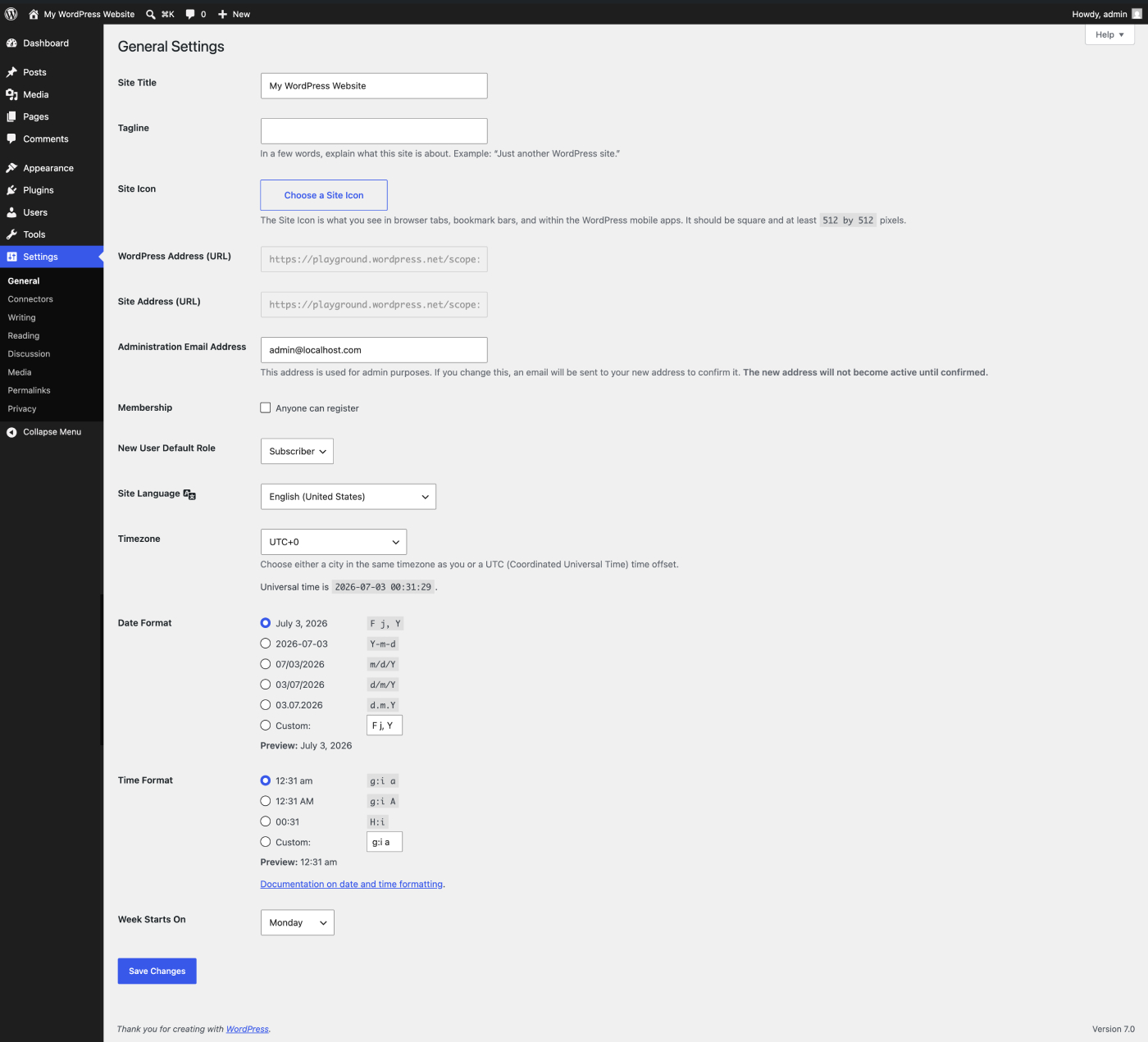
Leave website addresses to a planned change The WordPress Address and Site Address are technical configuration, not a quick way to rename your business or purchase a different domain. An incorrect change can interrupt login, assets or public access. Domain changes, HTTPS migration and moving WordPress into another directory need coordinated server, database and redirect work.
If a domain is changing, ask Digital Rebellion to plan the migration and verification. Updating a title is an editorial task; changing the website’s address is a site-wide technical operation.
Understand Reading settings Use Settings → Reading to choose whether the front page displays recent posts or a static page. A separate posts page can hold the blog listing. Its layout is usually controlled by the theme or a template, so text typed into that page’s normal editor may not appear as expected.
Review the search-engine visibility request during launch checks. A live site generally should not continue asking search engines to avoid indexing it, unless that is an intentional decision. The checkbox does not secure a staging site or confidential information.
Understand Discussion Media and Permalinks Discussion controls defaults and moderation for comments. Disabling comments by default may affect new content without closing discussion on existing items; review important pages individually.
Media settings relate to generated image dimensions and upload organisation. Changing these settings does not necessarily rebuild every image already in the library. Confirm the design impact before changing them.
Permalinks defines URL structures. Do not alter an established structure without mapping old URLs to their replacements. Even a technically successful change can break links from search, email and printed material. Individual slug changes need similar care.
Be deliberate about registration and privacy Do not enable public user registration unless your website needs it. Membership, ecommerce and learning plugins may have their own registration controls. A published privacy page also needs accurate wording and suitable placement; selecting a page in settings does not make its content accurate or handle consent automatically.
Frequently asked questions Will changing the admin email redirect all enquiries? No. Forms, store emails and individual accounts can have separate recipients.
Should I change settings to match a tutorial screenshot? Follow the approved configuration for your actual website and business needs.